Themia vs Rainmeter: Native Widgets vs Skin Engine
If you have ever looked into customizing your Windows desktop, you have probably come across Rainmeter. It is the tool almost every "rice your desktop" tutorial on YouTube reaches for, and it has been a fixture of the Windows customization scene for close to twenty years.
Themia sits in the same neighborhood — widgets that live directly on your desktop — but it approaches the problem very differently. This post is a straightforward comparison so you can pick the one that matches how you actually work.
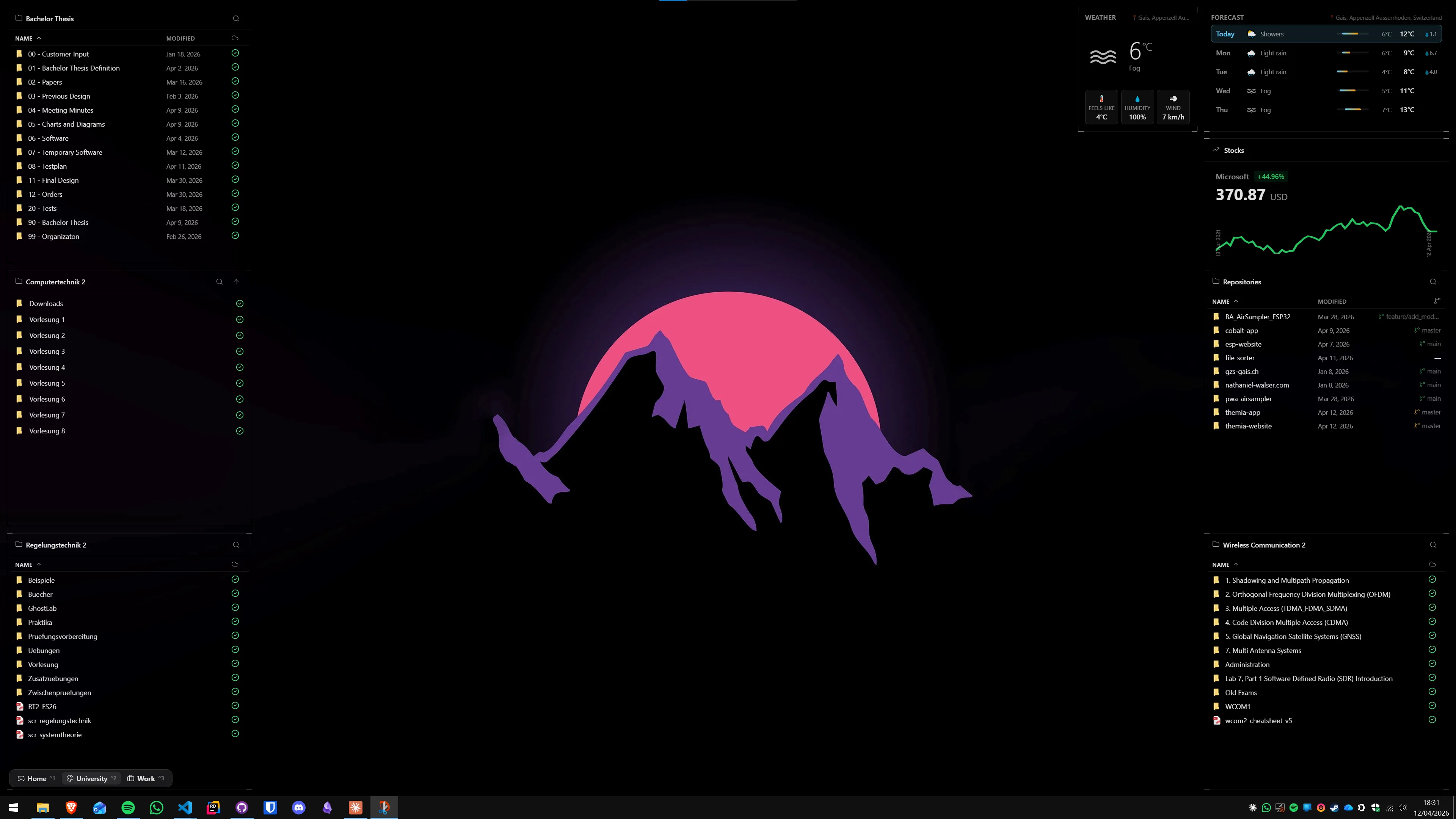
The short version
- Rainmeter is free, infinitely flexible, and assumes you are willing to edit configuration files or hunt for skins.
- Themia is a native app with a GUI editor, built-in widgets, and a one-time price. You add a widget by clicking "Add widget," not by downloading a skin pack.
If you enjoy tinkering, Rainmeter is unmatched. If you want the result without the tinkering, Themia is aimed at you.
Feature comparison
| Feature | Themia | Rainmeter |
|---|---|---|
| Price | Free tier · $19 one-time Pro | Free, open source |
| Setup | Install, add widgets from a menu | Install, then download and configure skins |
| Customization | Visual editor, drag to move, click to configure | INI/Lua config files, per-skin options |
| Built-in widgets | Files, email, calendar, weather, system stats, stocks, music, notes, to-do, and more | A handful of illustrative skins; real library is community-made |
| Multi-screen / contexts | Switchable per-screen layouts (e.g. work vs. personal) | Manual — you load and unload skins |
| Memory footprint | Native Tauri app, under 10 MB install, low RAM | Very lightweight; depends heavily on the skin pack |
| Updates | Auto-update built in | Manual updates; skins updated individually |
Where Rainmeter wins
Total freedom
Rainmeter does not really "have" widgets — it has a rendering engine that can draw almost anything you describe in a config file. Given time (and there is a huge community willing to spend it), people have built skins that pull from Spotify APIs, render animated system visualizers, mimic sci-fi HUDs, or display stock tickers with custom charts.
If you want your desktop to look like the inside of a cyberpunk dashboard and you are willing to hand-edit INI files to get there, nothing else comes close.
Free and open
Rainmeter is free and open source. It has no license tiers, no paid features, and no vendor risk — if the developers stopped working on it tomorrow, the code and every existing skin would still work.
Community archive
Almost two decades of community skins exist in the wild. If you can imagine a widget, someone has probably already built a Rainmeter skin for it.
Where Themia wins
It just works
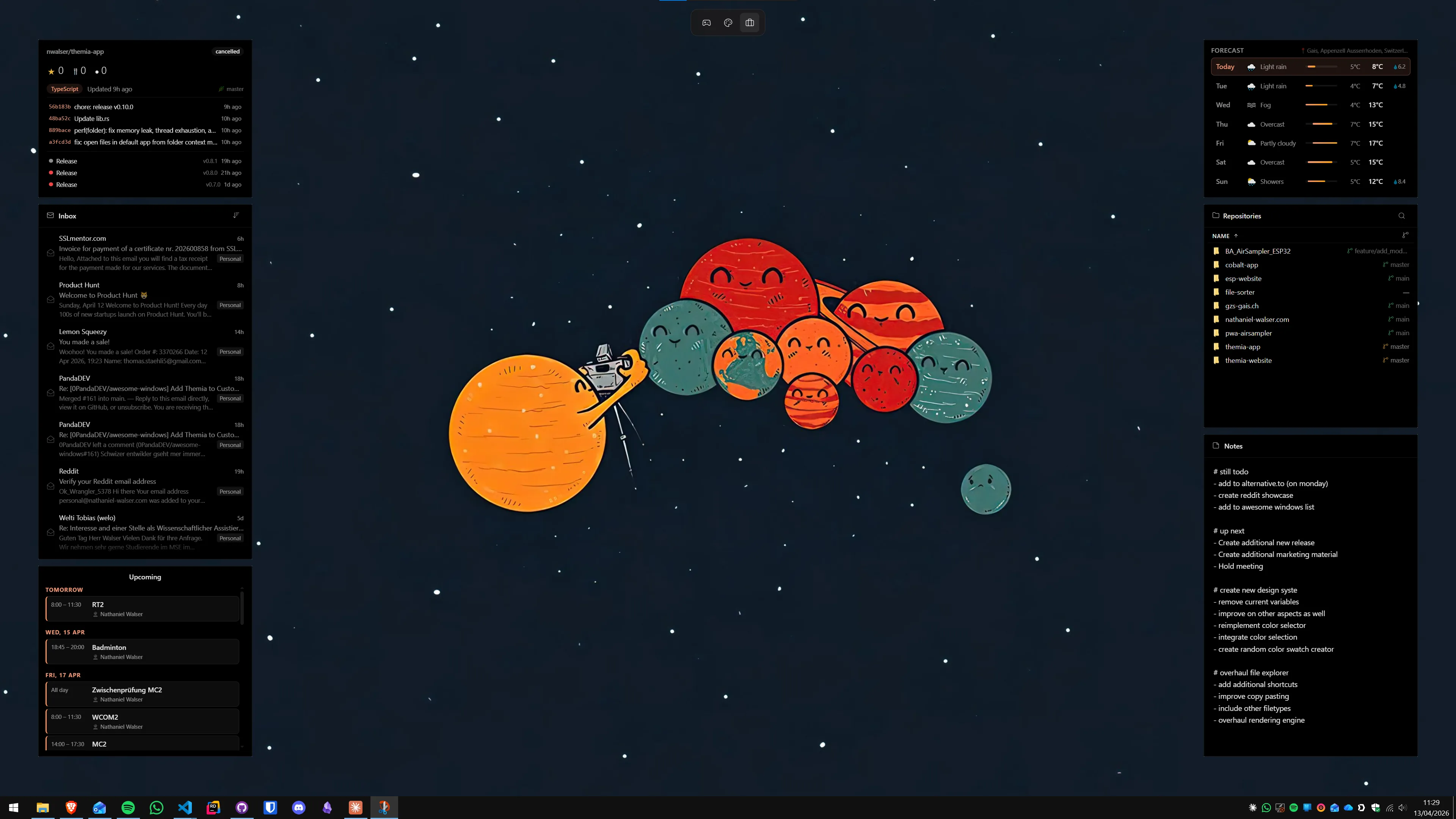
Themia ships with widgets for the things most people actually want — files, email, calendar, weather, system stats, music, stocks, notes, to-do, RSS, GitHub, battery. You open the app, click "Add widget," and drag it where you want. There is no skin to download, no config file, no Lua script to debug.
Per-screen contexts
Themia lets you define different desktop layouts and switch between them — one for work, one for personal, one for a focused coding session. Rainmeter can do this, but it is a manual process of loading and unloading groups of skins. In Themia, it is a first-class feature.
A coherent design
Because every Themia widget is built by the same team, they share a visual language — spacing, typography, blur, transparency — and look like they belong together. A Rainmeter desktop tends to be a patchwork of skins from different authors, each with its own aesthetic. That is a feature for some people and a problem for others.
Modern integrations
Themia talks to modern services — Microsoft 365 email and calendar, music players, weather APIs, GitHub — through proper OAuth flows, not scraped config hacks. This is the kind of work that is painful to maintain in a community skin and one of the reasons the most popular Rainmeter skins are often variations on system monitors and clocks rather than inbox widgets.

Which should you pick?
Pick Rainmeter if: you enjoy the customization process itself, you want total control over every pixel, you are comfortable in config files, and you do not mind stitching together skins from different authors.
Pick Themia if: you want a polished desktop with useful live widgets out of the box, you would rather spend five minutes setting things up than five hours, and you want the app to keep itself updated and looking consistent as features ship.
Both tools solve the same underlying problem — "my desktop is wasted space" — but they assume very different owners. Rainmeter assumes you are the builder. Themia assumes you are the user.