Blog
Comparisons, notes, and thoughts on desktop customization for Windows.
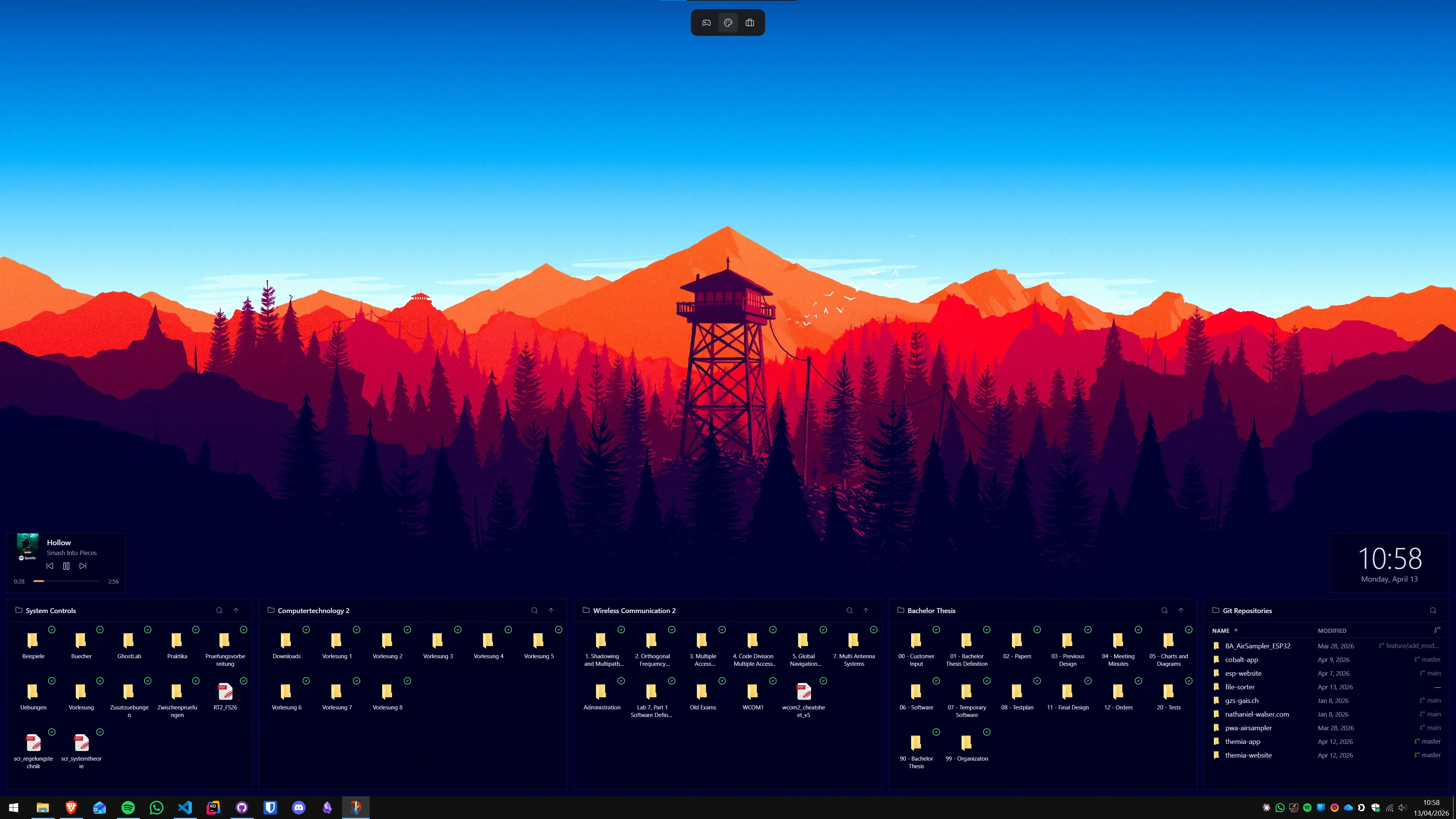
Best Stardock Fences Alternatives for Windows 11
The best Stardock Fences alternatives for Windows 11 in 2026 — free and paid options compared honestly, from Themia to Nimi Places and Rainmeter.
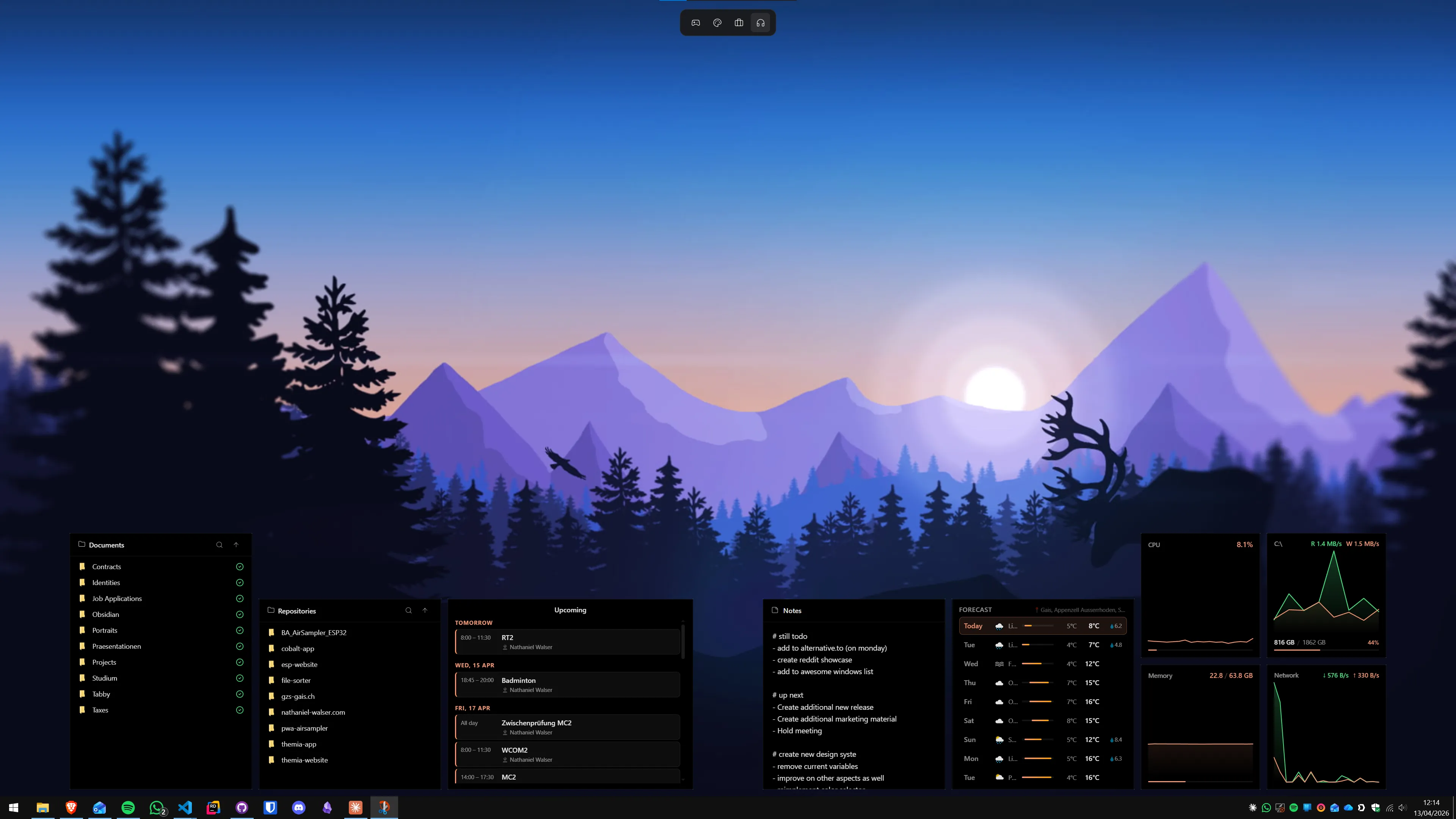 Guide
Guide Windows Desktop Customization: A 2026 Guide
A complete 2026 map of Windows desktop customization — widgets, organizers, wallpapers, and taskbar tools.
Guide Best Windows Desktop Widget Apps (2026)
A 2026 roundup of the best desktop widget apps for Windows 10 and 11 — honestly compared.
 Guide
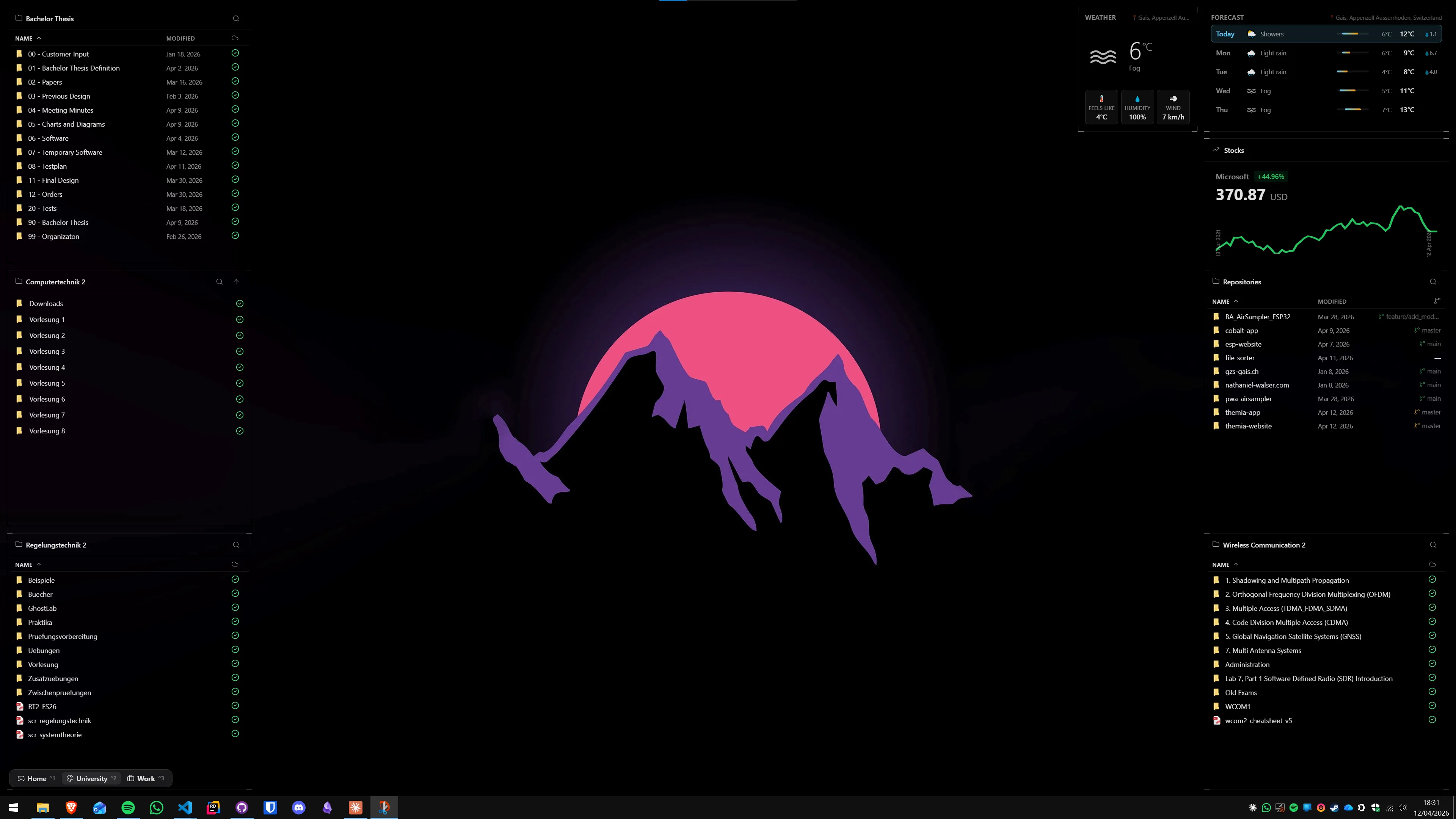
Guide 10 Best Rainmeter Alternatives for Windows
10 honest Rainmeter alternatives for Windows 10 and 11 — widget apps, icon organizers, and more.
Guide 10 Best Free Windows Desktop Customization Tools
10 genuinely free Windows customization tools worth installing in 2026 — widgets, wallpapers, and polish.
Guide The Best Windows Desktop Setup for Developers
A 2026 guide to the Windows dev environment — WSL, Terminal, widgets, and the utilities that earn their keep.
 Guide
Guide Ricing Windows: The 2026 Desktop Rice Guide
A 2026 guide to the Windows ricing community — the tools, the aesthetic, and the mistakes to avoid.
Guide The Minimalist Windows Desktop Setup Guide
A 2026 guide to a minimalist Windows desktop — clean wallpapers, restrained widgets, less clutter.
 How-to
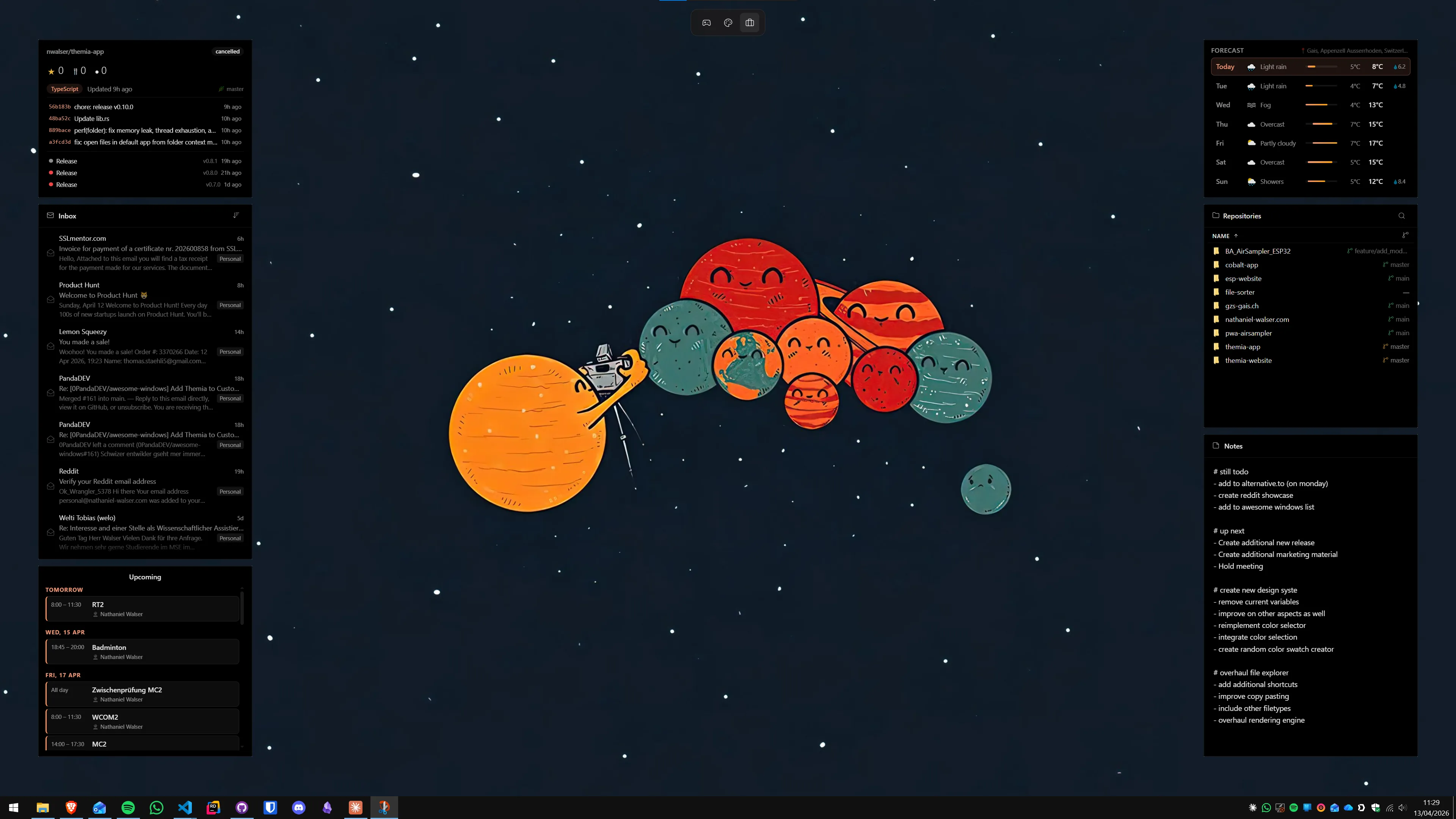
 How to Build a Productivity Dashboard on Windows
A 10-minute tutorial for turning your Windows desktop into a real productivity dashboard.
Opinion Why Windows 11 Widgets Fall Short in 2026
A measured look at what the Windows 11 Widgets Board gets wrong, and what actually works as a desktop widget.
Opinion Why Your Windows Desktop Is Empty
Why most Windows desktops in 2026 are empty — and why that is a fixable mistake.
How-to How to Disable Windows 11 Widgets (2026)
Every working way to turn off the Windows 11 Widgets Board — plus what to put on your desktop instead.
How-to How to Show Weather on Your Windows Desktop
Every working way to get weather on your Windows desktop in 2026 — ranked by effort.
How-to How to Show CPU and GPU Temperature on Windows
Get CPU and GPU temperatures onto your Windows desktop — the tools that read sensors and the widgets built around them.
How-to How to Pin a Folder to Your Windows Desktop
Pin a folder to your Windows desktop — basic shortcuts, Fences, Nimi Places, and live folder widgets compared.
How-to How to Get Windows 7 Gadgets Back on Windows 11
Bring Windows 7 gadgets to Windows 11 — safely, riskily, or with a modern alternative.
How-to How to Show a Calendar on Your Windows Desktop
Every working way to get a calendar on your Windows desktop in 2026 — ranked by effort.
How-to How to Show Stock Prices on Windows Desktop
Every working method to get stock prices onto your Windows desktop in 2026 — ranked by setup effort.
Widget engines Themia vs Rainmeter
A modern, native widget app compared to the classic choice for Windows desktop customization.
Widget engines Themia vs XWidget
A long-running widget engine meets a modern, native Tauri app. Which fits your desktop?
Widget engines Themia vs 8GadgetPack
Bringing back Win7 gadgets, or a clean-sheet native widget app — here is the honest comparison.
Widget engines Themia vs Widget Launcher
Two widget apps, two very different philosophies — a modernized gadget suite vs. a native dashboard.
Organizers Themia vs Stardock Fences
Fences organizes icons. Themia replaces them with live widgets. Which workflow is yours?
Organizers Themia vs Nimi Places
A free container-based organizer vs. a widget workspace — what each does differently.
Built-in Themia vs Windows 11 Widgets
Windows 11 widgets live behind a button. Themia lives on the desktop. Here is what changes.
Wallpaper Themia vs Wallpaper Engine
Decoration vs. dashboard: Wallpaper Engine beautifies, Themia informs. A case for running both.
Wallpaper Themia vs Lively Wallpaper
A free animated wallpaper app and a native widget app — complementary tools, not alternatives.
Taskbar & Start Themia vs Start11
Start menu customization vs. desktop widgets — adjacent tools that happily coexist.
Taskbar & Start Themia vs StartAllBack
Restoring old Windows vs. modernizing the desktop — two customization tools, two directions.
Taskbar & Start Themia vs TranslucentTB
A transparent taskbar and a useful desktop — two focused tools that solve different problems.
Polish Themia vs TaskbarX
Taskbar tweaks and desktop widgets solve different problems. Here is where each one fits.
Polish Themia vs Microsoft PowerToys
Two installers every Windows power user should have — and why they do not overlap.
 Polish
 Themia vs ModernFlyouts
One fixes the system popups. The other fills the desktop. Same aesthetic, very different scope.
Polish Themia vs Groupy
Window tabs and desktop widgets tackle different messes. Here is where each one fits.
How-to How to Use Desktop Widgets on a Dual Monitor Setup
A practical guide to running desktop widgets across two monitors on Windows in 2026 — per-screen layouts and the apps that handle it best.
How-to How to Add a GitHub Widget to Your Windows Desktop
Get GitHub issues, PR counts, and CI status onto your Windows desktop — five approaches ranked by setup effort.
How-to How to Show RSS Feeds on Your Windows Desktop
Live RSS headlines on your Windows desktop in 2026 — widget apps, Rainmeter skins, and dedicated readers compared.
How-to How to Add a To-Do Widget to Your Windows Desktop
From Sticky Notes to Themia and Rainmeter — every working method to put a persistent to-do checklist on your Windows desktop in 2026.
How-to How to Add a Music Widget to Your Windows Desktop
Spotify, YouTube Music, AIMP — every working way to put a now-playing widget on your Windows desktop in 2026, from two-minute installs to full Rainmeter setups.
How-to How to Show Network Speed on Your Windows Desktop
Live upload and download speed on your Windows desktop in 2026 — from the zero-install Task Manager trick to dedicated widget apps and Rainmeter.
How-to How to Add a Battery Widget to Windows Desktop
From the built-in taskbar percentage to BatteryBar and Themia — every working way to put battery status on your Windows desktop in 2026.
How-to How to Add a Contacts Widget to Your Windows Desktop
Windows 11 removed the People hub. Here is every working method to get your favourite contacts back onto the desktop — from Phone Link to a live widget on the wallpaper.
How-to How to Show Email Notifications on Your Windows Desktop
From a taskbar badge to an always-visible IMAP widget on the wallpaper — every method to put email information on your Windows desktop in 2026.
How-to How to Add a Clock Widget to Your Windows Desktop
From enabling seconds in the taskbar clock to an analog dial on the wallpaper — every working method to put a clock on your Windows desktop in 2026.
How-to How to Show Multiple Time Zones on Windows Desktop
From the built-in three-clock taskbar trick to always-on widget clocks and Rainmeter WorldClock skins — every method for showing world time on your Windows desktop.
How-to How to Show Crypto Prices on Your Windows Desktop
From the Windows Widgets Board to a pinned CoinGecko app, Themia stocks widget, and custom Rainmeter skins — every method to track Bitcoin and altcoins on your desktop in 2026.
How-to How to Show Disk Usage on Your Windows Desktop
From File Explorer and Storage Sense to a live system stats widget on the wallpaper and WinDirStat for deep scans — every method to monitor disk usage on Windows in 2026.
Guide How to Make Windows 11 Look Like macOS (2026)
Dock, translucent taskbar, macOS wallpaper, custom icons, and always-visible desktop widgets — a layer-by-layer guide to the macOS aesthetic on Windows 11.
How-to How to Add a Pomodoro Timer to Your Windows Desktop
Focus Sessions, Pomotroid, and a Themia to-do widget layer — every working method to get a Pomodoro timer running on Windows in 2026.
How-to How to Add Sticky Notes to Your Windows Desktop
From the pre-installed Sticky Notes app to a wallpaper-layer notes widget — every method to keep notes permanently visible on your Windows desktop in 2026.
Guide How to Set Up Windows 11 for Working From Home
Virtual desktops, focus sessions, always-visible calendar and email widgets, video call settings, and file sync — a practical WFH setup guide for Windows 11 in 2026.
Guide How to Set Up Windows 11 for Content Creators
Storage layout, OBS encoding, audio setup, system monitoring widgets, and the essential creator toolset — a practical Windows 11 setup guide for YouTubers and streamers in 2026.
Guide Best Windows 11 Themes and Icon Packs (2026)
SecureUXTheme, Rectify11, niivu community visual styles, 7tsp icon packs, and WinPaletter — the best Windows 11 themes and icon packs in 2026, with three ready-to-copy combos.
How-to How to Use Snap Layouts on Windows 11 (2026 Guide)
Win+Z, Snap Groups, and FancyZones explained — every shortcut and setting for Windows 11 window management in 2026.
Guide How to Enable Dark Mode on Windows 11 (2026)
System dark mode, Auto Dark Mode scheduler, browsers, Office 365, and desktop widgets — the complete stack for a consistent dark Windows 11 in 2026.
How-to Windows 11 Virtual Desktops: Complete Guide (2026)
Win+Ctrl+D to create, Win+Ctrl+Arrow to switch, per-desktop wallpapers and names — the complete guide to virtual desktops on Windows 11 in 2026, with workflow patterns for focus, WFH, and multi-project work.
How-to How to Restore the Classic Right-Click Menu in Windows 11
Registry edit, PowerShell one-liner, or ExplorerPatcher — three ways to bring back the classic right-click menu in Windows 11, all reversible.
How-to How to Customize Your Windows 11 Lock Screen (2026)
Change the background, kill Spotlight ads, add widgets, set a slideshow, or disable the lock screen entirely — every way to take control of the Windows 11 lock screen.
How-to How to Add a Habit Tracker to Your Windows Desktop
From sticky notes to a three-widget system combining to-do, calendar, and notes — every method to put a habit tracker on your Windows desktop in 2026.
Guide How to Set Up Windows 11 for Gaming (2026 Guide)
Update GPU drivers, enable XMP/EXPO, switch to Ultimate Performance, turn on Game Mode and HAGS, set your monitor refresh rate, and trim startup clutter — the complete Windows 11 gaming setup for 2026.
Guide How to Set Up Windows 11 for Music Production
ASIO4ALL or manufacturer drivers, Ultimate Performance power plan, disabled USB suspend, Defender exclusions for the DAW folder — the complete Windows 11 music production setup for 2026.
Guide How to Set Up Windows 11 for Video Editing
HEVC codec install, Ultimate Performance power plan, dedicated NVMe project drive, clean GPU drivers, and DaVinci Resolve free tier — the complete Windows 11 video editing setup for 2026.
Guide How to Set Up Windows 11 for Photography
Raw Image Extension, colour profile calibration, Lightroom Camera Raw cache, Ultimate Performance power plan, and Themia folder widgets — the complete Windows 11 photography setup for 2026.
Organizers How to Switch From Stardock Fences to Themia
Moving from Fences to Themia in 2026 — what to export first, how to replace folder portals with live widgets, and what you gain (and lose) in the switch.
Organizers Is Stardock Fences Worth It in 2026?
Fences is polished and purpose-built — but is it worth paying for in 2026 when free alternatives like Themia offer live widgets at no ongoing cost?
Organizers Tidy Windows Desktop: Fences vs Widgets (2026)
Two philosophies for a tidy Windows desktop: Stardock Fences keeps your icons and groups them; Themia replaces icons with live data widgets. Here's which one wins for your workflow.
Organizers Stardock Fences Setup Guide for Windows 11 (2026) — and When Themia Is Better
Fences 6 is powerful when configured correctly. This guide covers auto-organize rules, folder portals, tabs, and the Peek shortcut — then explains honestly when Themia's live widgets are the better path.
Organizers Does Stardock Fences Slow Down Windows 11?
Fences hooks into the Windows Explorer shell and does carry a resource cost — here is what that actually means for startup time, RAM, and gaming on your system.
Organizers Windows Desktop Organisation for Remote Work (2026)
Remote work demands more from your Windows desktop — project switching, meeting awareness, time zones, focus cues. Here is how Fences and Themia each serve those needs.
Organizers Stardock Fences on Multiple Monitors (2026)
Fences 6.46 handles multi-monitor layouts better than ever — but live widgets on secondary screens are where Themia pulls ahead. Here is the complete 2026 setup guide.
Organizers Can You Run Themia and Stardock Fences Together on Windows 11?
Themia and Fences operate on different layers and do not conflict — but should you run both? Here is when it makes sense and when to choose one.
Organizers Stardock Fences vs Themia vs Nimi Places (2026)
Fences organizes icons, Nimi Places does it for free, Themia adds live widgets. Three different tools for three different desktop problems.
Organizers Stardock Fences on a Gaming Desktop: Shortcuts vs Widgets in 2026
Gaming desktops accumulate shortcuts fast. Fences organizes them; Themia adds live stats. Here is how the two tools split the problem.
Organizers Stardock Fences Folder Portals Explained (2026)
Folder Portals mirror a real folder to your desktop as live icons. Here is how they work, when they shine, and where Themia's folder widget takes a different approach.
Organizers Stardock Fences Quick Hide & Roll-Up Explained (2026)
Quick Hide clears the whole desktop in one action. Roll-Up folds a single fence into its title bar. Here is when each approach wins.
Organizers Stardock Fences Auto-Organize Rules: Complete Guide (2026)
Auto-Organize rules tell Fences where incoming icons should go before they get a chance to pile up loose on your desktop. Here is how to set them up.
Organizers Stardock Fences 6 Tabs: Full Feature Guide (2026)
Fences 6 container tabs let you pack multiple icon groups into one on-screen container. Here is how to set them up and when they beat separate fences.
Organizers Stardock Object Desktop vs Fences: Which to Buy 2026
Object Desktop bundles Fences with Start11, Groupy, and more. Fences standalone costs less. Here is how to decide — or whether to skip both for Themia.
Organizers Stardock Fences for Creative Professionals (2026)
Fences Folder Portals mirror a live project folder on the desktop. Auto-Organize rules sort RAW, PSD and video files automatically. Here is the creative professional setup.
Organizers Stardock Fences vs PowerToys 2026: Full Comparison
Fences organises desktop icons. PowerToys FancyZones organises application windows. They solve different problems — here is when you need one, both, or neither.
Organizers Stardock Fences vs Windows 11 Snap Layouts (2026)
Snap Layouts snaps windows into zones. Fences sorts icons into containers. They solve different problems — here is when you need one, both, or neither.
Organizers Stardock Fences vs Windows 11 Virtual Desktops (2026)
Fences organises icons on the desktop background. Virtual Desktops manage which windows are visible. They solve different problems — here is when you need one, both, or neither.
Organizers Stardock Fences vs Rainmeter 2026: Full Comparison
Fences sorts icons into containers. Rainmeter overlays live data skins. Different tools for different needs — here is when you need one, both, or neither.
Organizers Stardock Fences Themes & Appearance: Full Customization Guide (2026)
Fences 6 lets you set per-fence color, opacity, and title styling. Here is every appearance control available — and how Themia's widget theming takes a different visual approach.
Organizers Stardock Fences Desktop Pages: Complete Guide 2026
Desktop Pages turns your single-layer desktop into swipeable slides of icon containers. Here is how to set them up, when they help, and where they fall short.
No posts in this category yet.