How to Install Custom Themes on Windows 11 (and Is SecureUxTheme Safe?)
Every guide to Windows 11 theming hits the same wall. You download a beautiful visual style, drop it into the Themes folder, click it — and Windows quietly ignores it. The next thing you read says to install a "UxTheme patcher." Then you read that antivirus flags it, and now you are trying to work out whether a stranger on DeviantArt is about to brick your PC.
This post covers what Windows is blocking and why, what SecureUxTheme actually does to your system, why security software reacts to it, and — the part nobody writes down — how to get back to stock Windows when something half-applies. We sell desktop widgets, not themes, so we have no reason to talk you into this or out of it.
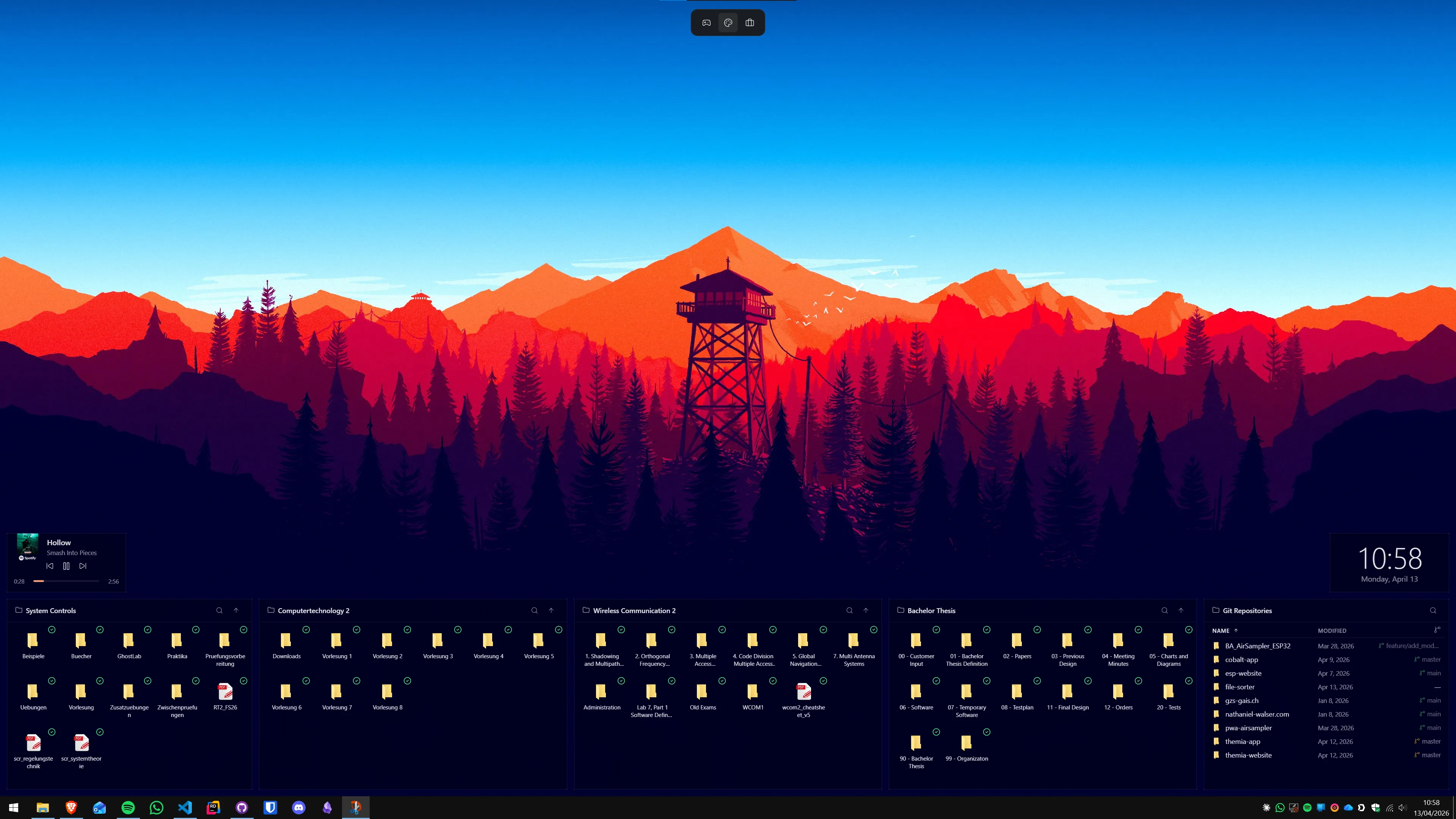
First: pick the smallest route that gets you the look
"Custom theme" means four different things, and three of them never touch the signature check. Start at the top of this table and only move down if the layer above cannot do what you want.
| Route | Changes | Patch required | Risk | Undo |
|---|---|---|---|---|
| Built-in themes (Settings → Personalization) | Wallpaper, accent colour, cursors, sounds | No | None | One click |
| Accent and colour tools (e.g. WinPaletter) | Window borders, title bars, logon colours | No | Low — writes registry colour values | Restore built-in preset |
Custom visual style (.msstyles) | Full window chrome, controls, shell styling | Yes — SecureUxTheme or Windhawk | Moderate — hooks shell and logon processes | Uninstall patcher, reset theme |
| SkinPack / full shell replacement | Icons, shell files, boot screen, sounds | Yes, plus file replacement | Highest — replaces system files | Often needs a restore point |
Most desktops people screenshot are a good wallpaper, a strong accent colour and a matching icon set. If that is all you want, stop here — our best Windows 11 themes and icon packs roundup covers the no-patch options, and the dark mode guide gets you a moody desktop with zero system exposure.
Why Windows blocks unsigned visual styles
This gets described as Microsoft being controlling. The real reason is more interesting, and it changes how you should think about the risk.
An .msstyles file is not a picture. It is a resource DLL packed with bitmaps, scaling metrics and control definitions, and the theme engine in uxtheme.dll parses it inside processes running at high privilege — including winlogon.exe and LogonUI.exe, which are alive on the sign-in screen before any user has authenticated. A malformed theme file is a parser exploit aimed at the most sensitive surface in the OS. Microsoft's answer since Windows XP has been blunt: uxtheme.dll checks for a Microsoft signature on the style file and refuses anything unsigned.
So the check is real, and it is there for a reason. A patcher does not sign your theme — it removes the check. That is the honest framing of what you are agreeing to.
What SecureUxTheme actually does
SecureUxTheme is an open-source project by namazso on GitHub, licensed LGPL-2.1, at roughly 3,100 stars. The current release is v4.0.0, published 24 June 2025, shipping as MSI installers for x86, x64 and ARM64 at around 500 KB.
Its headline claims — no system file modifications, no driver, Secure Boot compatible — hold up, and the mechanism is verifiable from the project's own recovery documentation. Rather than editing uxtheme.dll on disk (the old approach, which broke on every update and tripped file integrity checks), it registers a hook DLL through Image File Execution Options, writing VerifierDlls and GlobalFlag values under registry keys for winlogon.exe, LogonUI.exe, explorer.exe and systemsettings.exe. When those processes start, the loader pulls in the hook and the signature check is neutralised in memory only.
Nothing on disk changes, which is why Secure Boot and system file checks stay happy, and it makes the patch trivially reversible — you delete registry values rather than restoring a DLL from a backup.
Two things changed in v4 that older guides get wrong. Individual style files no longer need to be "patched" before use, and themes can be switched from the normal Settings → Personalization page. The bundled ThemeTool utility was removed and now lives separately as ThemeToolSharp. Upgrading from v3 or earlier, you must uninstall the old version with the old ThemeTool first — the v4 installer refuses until you do.
One caveat: the project's supported-OS list runs from Windows 8.1 up to Windows 11 24H2 and Server 2025, with newer builds marked untested, and the last commit was 30 June 2025. As of August 2026 that is over a year of quiet on a tool that hooks the logon process, and Windows 11 25H2 is not on the tested list. The repository is not archived and the tool is widely reported working, but "actively maintained" is a stronger claim than the commit history currently supports.
Is SecureUxTheme safe? The honest answer
It is not malware, and the code is there to read. But three things can go wrong, and pretending otherwise helps nobody:
- The logon loop. The hook loads into
winlogon.exe. If it misbehaves — bad theme, mismatched build, interrupted install — sign-in can bounce you straight back to the logon screen. This is the failure mode people actually hit, and it has two dedicated pages in the project's own wiki, which tells you something. - Antivirus will react. Expected, and not proof of anything either way. See below.
- The themes are the weaker link. The patcher is auditable open source from one known repository. The theme you found is an unsigned binary from a forum post. That is where the real supply-chain risk lives, and no patcher helps you there.
A reasonable rule: if this machine holds work you cannot lose, or you are not comfortable typing commands into a recovery console, stay in the top two rows of the table. On a personal machine with a restore point, the risk is real but manageable and recoverable.
Why antivirus flags it — and how to tell a real detection from a heuristic one
Writing VerifierDlls and GlobalFlag under Image File Execution Options to get your DLL loaded into another process is a catalogued attacker technique. MITRE ATT&CK tracks it as T1546.012, Image File Execution Options Injection. Doing it to winlogon.exe — the process that handles authentication — is exactly the pattern endpoint protection is built to notice. SecureUxTheme performs that technique openly, for a benign purpose, and behavioural engines cannot tell intent from behaviour. That is the whole story.
Which makes a detection here uninformative on its own. How to read one:
- Detection name. Categories like
HackTool,Riskware,PUAorApplication/Unwanteddescribe capability, not infection. A named trojan or stealer family is a different signal entirely and means stop. - Consensus, not count. On VirusTotal, a handful of engines flagging an unsigned hooking tool is the normal baseline. Thirty engines naming the same family is not.
- Hash the file you have and compare it to the asset on the official releases page. If they match, you have what namazso published and the detection is about the technique. If they do not, you did not download it from where you think you did.
- Provenance beats the label. A
SecureUxTheme.exefrom a theme portal, a mirror, or bundled inside a SkinPack archive is not the same object as the MSI from the project's releases page — and that substitution is one of the commoner ways people get burned. Official channels: GitHub releases,winget install namazso.SecureUXTheme, or Scoop's extras bucket.
If you proceed, add a narrow exclusion for the install path rather than switching real-time protection off. Disabling Defender to install a theming tool and forgetting to re-enable it is a worse outcome than anything the tool will do to you.
Installing a custom theme, step by step
- Make a restore point. Start → "Create a restore point" → Create. Sixty seconds, and it is the difference between an annoyance and an evening.
- Note your Windows build. Win+R,
winver. Themes are built against specific builds, and a mismatch is the most common cause of a half-applied result. - Install the patcher. Either
winget install namazso.SecureUXTheme, or the MSI for your architecture from the GitHub releases page. Reboot when asked — the hook only takes effect on process start. - Install the theme. Extract the archive and copy its contents into
C:\Windows\Resources\Themes. You want the.themefiles and the folder beside them, not a folder wrapping the whole thing. Admin rights required. - Apply it. Settings → Personalization → Themes, then pick it from the list. With v4 there is no separate tool for this step.
- Check the logon screen before you commit. Press Win+L and look. If the lock screen renders correctly, the risky surface is fine. Do this before adding an icon pack, so you know which layer broke if something does.
For sources, the project's README points at DeviantArt, still where most of this work is published — niivu is the best-known author there. Some themes are maintained on GitHub instead, such as Sand216's 10ThemeFor11 and Aero11. Whatever the source, check its stated build compatibility against your winver output first.
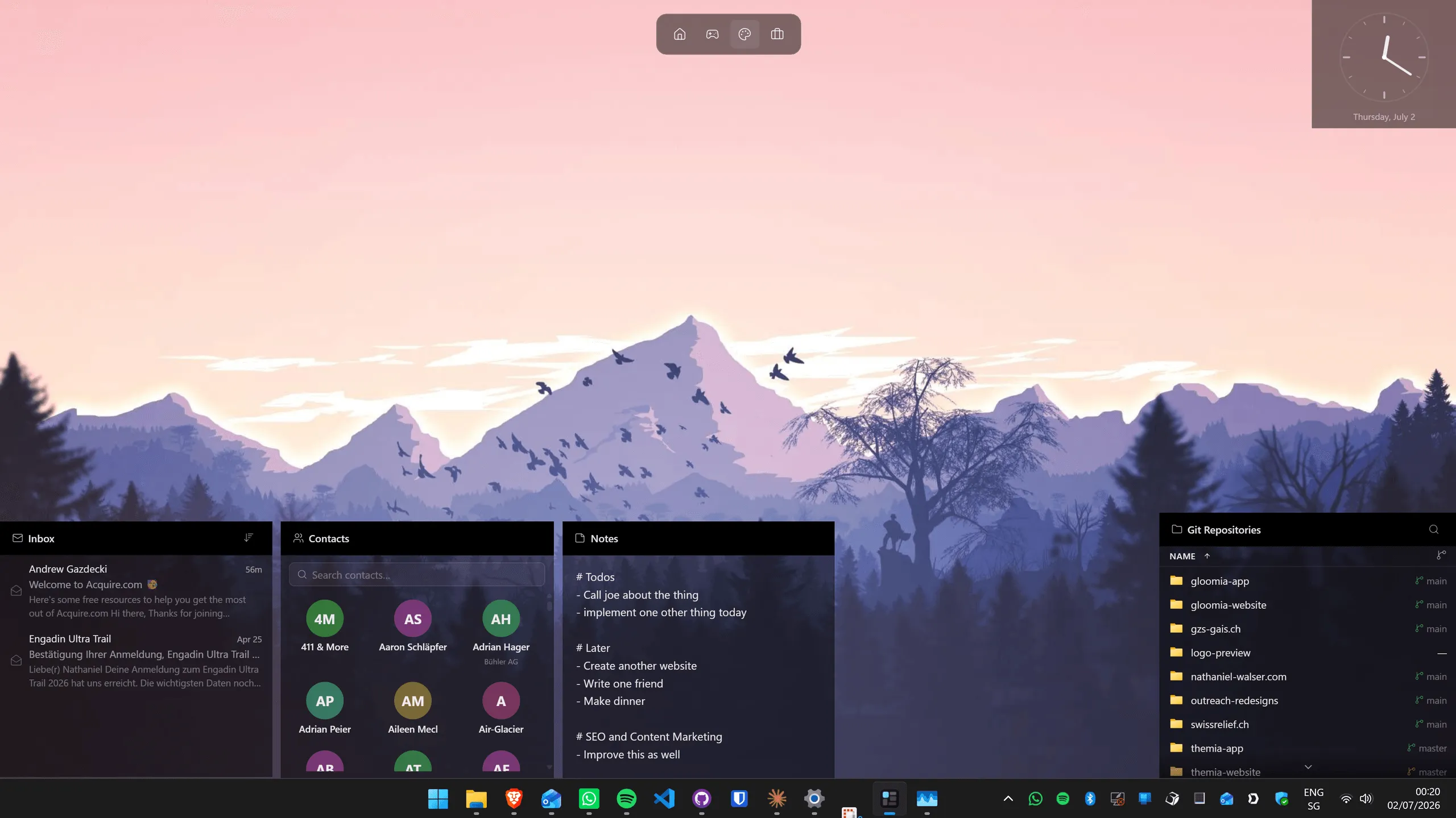
The no-restart alternative: Windhawk
If rebooting between every theme is the part that puts you off, Windhawk by Ramen Software is the other route — a free, open-source mod platform where every mod ships with readable source. Its UXTheme Hook mod (v1.4, by rounk-ctrl) does the same job without a restart, which makes trying five themes in an evening actually pleasant.
The one non-obvious requirement is on the mod page: add winlogon.exe and logonui.exe to Windhawk's process inclusion list under advanced settings, or the hook will not apply properly. The trade is a second always-running process, in exchange for rollback that means uninstalling a mod rather than editing the registry.
Rollback: getting stock Windows back
Work down this list. Each step assumes the one above did not work.
The theme applied but looks broken
Settings → Personalization → Themes, pick a stock Windows theme. Almost always a build mismatch — check the theme's stated compatibility against winver.
You reach the desktop but things are unusable
Set a default theme, then uninstall SecureUxTheme from Settings → Apps → Installed apps. The MSI removes its own registry hooks. Reboot.
Login loop after applying a theme
Boot into safe mode, set the default Windows theme from Settings, reboot. Safe mode does not load the theme, which is why this works. It is the project's own documented fix.
Login loop after installing the patcher itself
This one needs the recovery environment, and is worth reading now rather than from your phone later. Hold Shift while clicking Restart, or interrupt boot three times, to reach Advanced startup → Troubleshoot → Command Prompt. Then:
- Run
regedit. - Select
HKEY_LOCAL_MACHINE, then File → Load Hive. - Open
%windir%\System32\config\SOFTWAREfrom your Windows installation and give the loaded hive any name. - Inside it, go to
Microsoft\Windows NT\CurrentVersion\Image File Execution Options\. - Under the keys
winlogon.exe,LogonUI.exe,explorer.exeandsystemsettings.exe, delete theVerifierDllsandGlobalFlagvalues. Some of those keys may not exist depending on which hooks were installed — that is normal, skip them. - Select the hive, File → Unload Hive, then reboot.
You should reach the desktop, and can uninstall the tool normally. Because nothing on disk was ever modified, there is no system file to repair — the strongest practical argument for the in-memory approach.
After a Windows feature update
Feature updates can reset the active theme, and can leave the hook inert if the executables it targets were replaced. Reapply the theme; if that does not take, reinstall the patcher and reapply. Keep the MSI and a copy of your theme folder somewhere you will find them.
The layer you can add without patching anything
Worth saying plainly, because it is why people go down this road at all: if you want a desktop that looks intentional, the visual style is only part of it. The wallpaper carries most of the impression, and what sits on the wallpaper carries the rest — a layer needing no patcher and no signature bypass.
Themia is a native app for Windows 10 and 11 that puts widgets directly on the desktop: clock, weather and forecast, CPU, GPU, RAM, disk and network monitors, folder, notes, to-do, calendar and email, stocks, RSS, GitHub, now playing. Free to start, $19 one-time for Pro. It sits on top of whatever visual style you run, so a Windows update that knocks your theme back to stock leaves your widgets untouched. Our Windows desktop customization guide covers how the layers fit together; the Windows ricing guide is the deeper dive.
The short version
- Windows blocks unsigned
.msstylesfiles because the theme engine parses them inside the logon process. The check exists for a reason. - SecureUxTheme v4.0.0 removes that check in memory via an Image File Execution Options hook. Nothing on disk changes, Secure Boot is unaffected, and it reverses by deleting registry values.
- Antivirus flags it because that hooking technique is a catalogued attacker method (T1546.012), not because the tool is malicious. Check the detection category, the hash and the download source — in that order.
- The realistic failure is a login loop. Safe mode fixes the theme-caused version; the recovery environment fixes the install-caused one.
- Restore point, matching build, lock-screen test. In that order, before you layer anything else on top.
FAQ
Is SecureUxTheme safe?
It is open source under LGPL-2.1, has around 3,100 stars on GitHub, and does not replace or patch any file on disk — it registers an in-memory hook through the Image File Execution Options registry key. That is the honest good news. The honest bad news is that the same registry mechanism it uses is a documented malware persistence technique, so antivirus engines flag it on behaviour, and if the hook goes wrong on winlogon.exe you get a login loop that needs the recovery environment to fix. It is not malware. It is also not risk-free. Make a restore point first.
Why does Windows block custom themes at all?
The theme engine in uxtheme.dll only fully applies .msstyles files carrying a Microsoft digital signature. A .msstyles file is a DLL full of bitmaps and layout metrics that the shell parses at high privilege, including on the logon screen before you have signed in. Microsoft has never opened that parser to arbitrary third-party input, and unsigned styles are refused rather than parsed. Patchers work by removing the signature check, not by signing your theme.
Will Windows Update remove my custom theme?
Monthly cumulative updates usually leave it alone. Feature updates are the ones that break things — they can reset the active theme to the Windows default and, because the hook is registered per executable, a replaced system binary can leave the patch inert. The fix is normally to reapply the theme, or reinstall the patcher and then reapply. Keep the installer and a copy of your theme folder so you are not hunting for them after an update.
What is the difference between SecureUxTheme and the Windhawk UXTheme hook?
They solve the same problem two ways. SecureUxTheme installs system-wide and needs a reboot for the hook to take effect. The Windhawk UXTheme Hook mod, version 1.4 by rounk-ctrl, runs inside the Windhawk mod platform and applies without a restart, which makes trying several themes in a row much faster. Windhawk mods ship with source you can read in the app. The trade-off is that you are adding a second always-running process, and the mod requires you to add winlogon.exe and logonui.exe to Windhawk's process inclusion list before it works properly.
Can I undo everything and get stock Windows 11 back?
Yes, and this is the part worth reading before you start. Set the theme back to a stock one in Settings, then uninstall the patcher from Installed apps. If you cannot reach the desktop, boot into safe mode and set a default theme. If you cannot even reach the logon screen, boot the recovery environment, load the offline SOFTWARE hive in regedit and delete the VerifierDlls and GlobalFlag values under the Image File Execution Options keys the tool created. Full steps are in the rollback section above.
Do custom themes slow Windows down?
A visual style is a resource file, not a running program, so it costs essentially nothing. The patcher itself is a small hook DLL loaded into a handful of shell processes. If your desktop feels slower after a theming session, the usual culprit is everything else people install alongside — icon patchers, shell replacements, animated wallpaper engines — not the .msstyles file.