Calendar
Month, week, day and agenda views over Microsoft, Google and CalDAV calendars.
What it does
Shows events from any combination of Microsoft, Google and CalDAV calendars in one of four views:
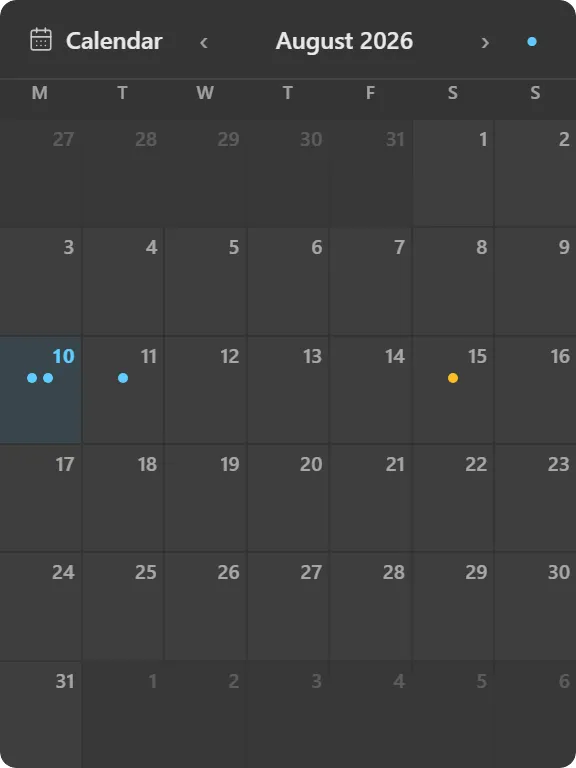
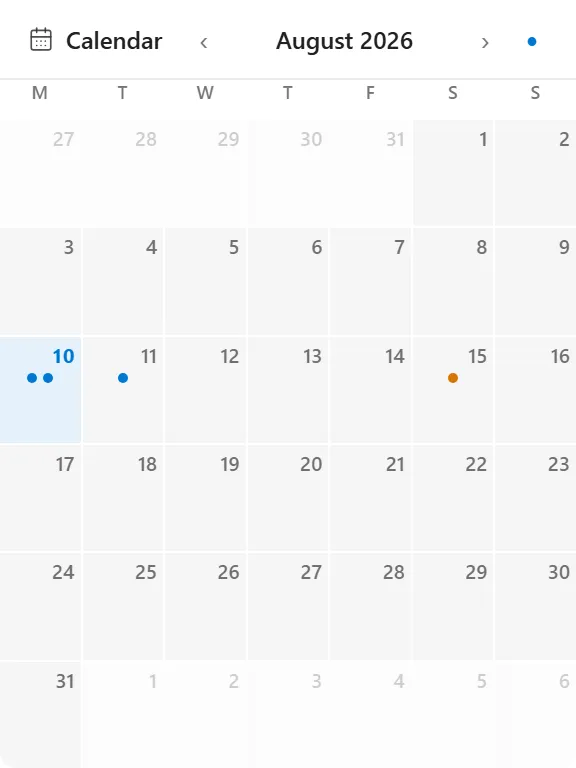
- Month: a six-by-seven grid with event chips per day.
- Week: seven columns of stacked event chips.
- Day: an hour timeline from 07:00 to 22:00 with events positioned by time.
- Agenda: a chronological list grouped by date, labelled Today / Tomorrow / weekday.
When you display more than one calendar, each event gets a coloured left border from a six-colour palette so you can tell sources apart at a glance. Today is highlighted. Birthdays appear with a cake icon.
The layout adapts to the widget’s size rather than shrinking uniformly. A large widget shows full event chips with start times; a small one falls back to up to three coloured dots per day, because cramped chips with truncated text tell you less than a dot does. Chips never squash: a short cell clips whole chips and shows a “+N” overflow instead of compressing them into slivers.
Where the data comes from
Your calendar provider, fetched directly. Microsoft accounts go through Graph, Google through its calendar API, and CalDAV servers over standard CalDAV. Account connection and OAuth happen in the app’s settings.
By default an account contributes only its primary calendar; the config panel lets you switch on additional calendars per account where the provider exposes more than one.
Limits
- The hour timeline in day view is fixed to 07:00–22:00.
- The widget displays events. Creating and editing them happens in your calendar app.
- Loss of authorization surfaces as a “Calendar access needed” prompt with a reconnect button.