Clipboard history
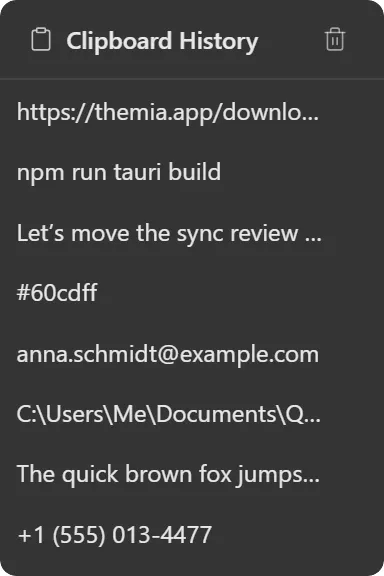
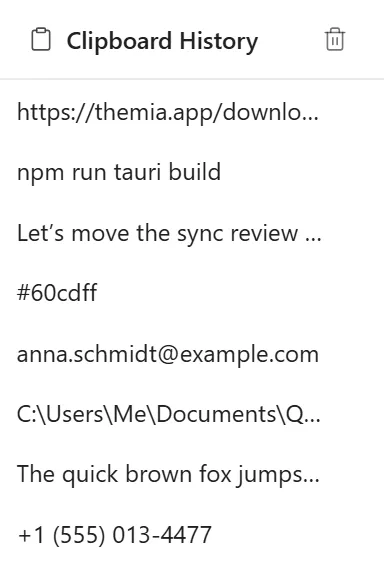
Recent things you copied, click to copy again.
What it does
Keeps a list of the text you have copied, most recent first. Click an entry to put it back on the clipboard.
The list is de-duplicated: copying something you already copied moves that entry to the top rather than adding a second copy of it. You choose how many entries to keep; the default is 50.
Where the data comes from
Windows tells Themia when the clipboard changes: the widget registers as a clipboard listener rather than polling, so it costs nothing while you are not copying anything.
History is held in memory for the session only. It is not written to disk, not included in export, and disappears when Themia closes. That is deliberate: a clipboard history file is a plaintext record of everything you copied, passwords included.
Limits
- This widget is marked experimental.
- Text only. Copied images, files and rich content are not captured.
- Nothing persists across restarts, by design.
- Because it holds whatever you copy, be aware of what is on screen when the widget is visible: a password manager copy will appear in the list until it is pushed out or the app closes.