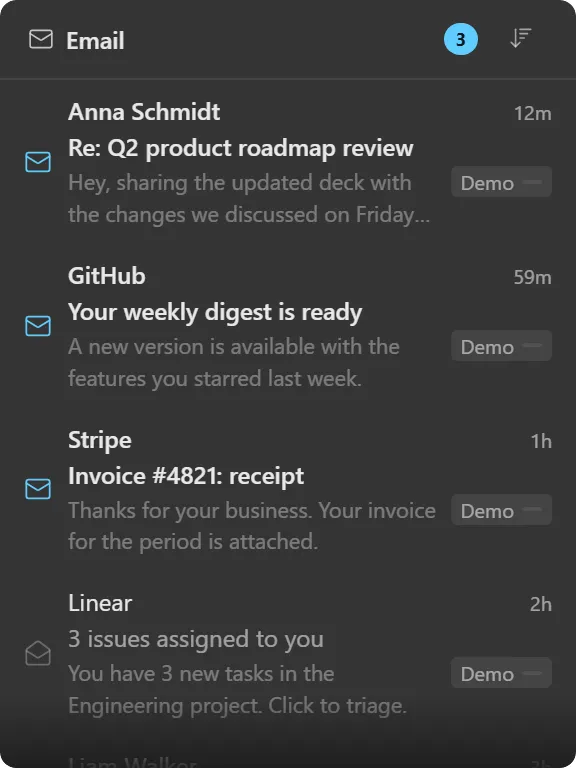
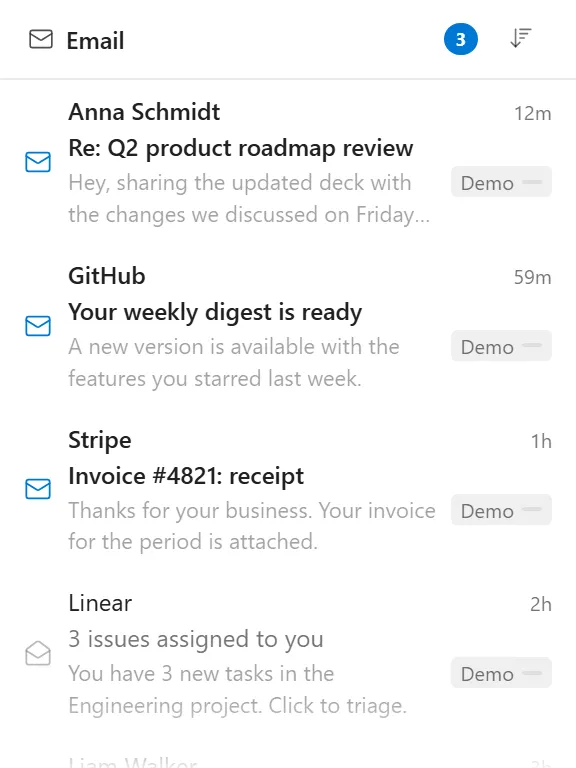
A merged inbox from Microsoft, Google and IMAP accounts, on the desktop.
What it does
Shows messages from one or more mail accounts in a single feed. Add several accounts and the rows merge into one chronological list, each tagged with the account it came from.
Pick which folder it watches (Inbox, Sent, Drafts, Deleted or Junk) and how many messages to load, up to 50. Unread messages render in bold with a closed envelope; read ones use an open envelope. The header carries an unread badge and a sort toggle for newest or oldest first.
Three layouts are available. List is the roomiest, with one to five lines of body preview per message. Compact drops the preview for density. Row is a table with columns you choose from sender, subject, date, preview and account.
You can act on messages from the widget: mark read, delete, move.
Where the data comes from
Directly from your mail provider: Microsoft 365 and Outlook.com via Microsoft Graph, Google via its API, or any IMAP server. Themia talks to your provider; nothing routes through us and no message content is stored anywhere but your machine.
Sign-in uses your provider’s own OAuth flow, so your password is never typed into Themia. Connect accounts from the app’s settings, not from the widget.
Limits
- The widget reads and triages. It does not compose or reply; clicking through opens your mail client.
- It loads up to 50 messages per account; it is a glance at the top of the folder, not a mail archive.
- If a provider’s token expires the widget shows a reconnect prompt rather than silently going blank.