Gallery
Images from a folder, a single file, or Bing's photo of the day.
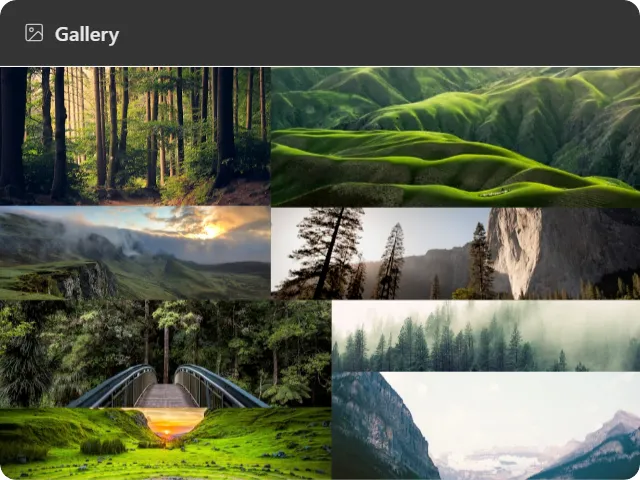
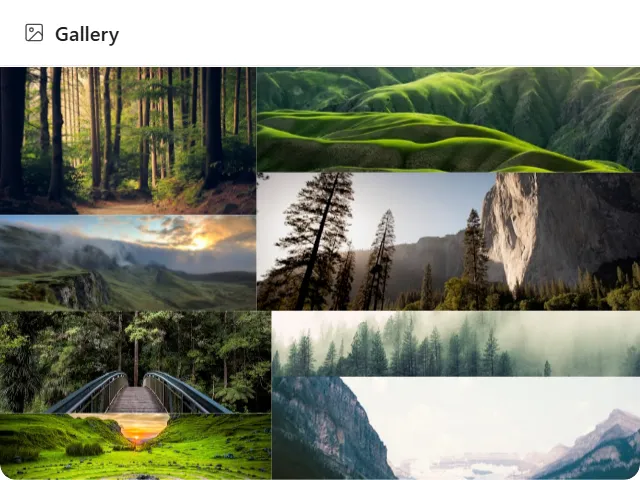
What it does
Shows pictures on the desktop, from one of three sources:
- Folder: scans a directory, optionally including subfolders, and shows many images.
- File: one local image, full-bleed.
- Bing: Bing’s daily Photo of the Day, with an optional title and credit caption.
The folder source offers several layouts (grid, slideshow, scatter and mosaic), plus a cap on how many images to load and a slideshow interval. The single-image sources bypass all of that and render one picture, honouring the fit mode you choose.
Where the data comes from
For folder and file sources, your local disk, read directly, nothing uploaded.
The Bing source fetches Bing’s daily image archive over the network. That is the only source that makes a request off your machine.
Limits
- Images only; video files are not shown. For a live camera feed use Video stream.
- Layout choices and the image cap apply to the folder source only, since the other two show exactly one picture.
- A Bing fetch that fails shows “Could not load photo” rather than an empty frame.