Help & getting started
In-app guidance for people who have just installed Themia.
What it does
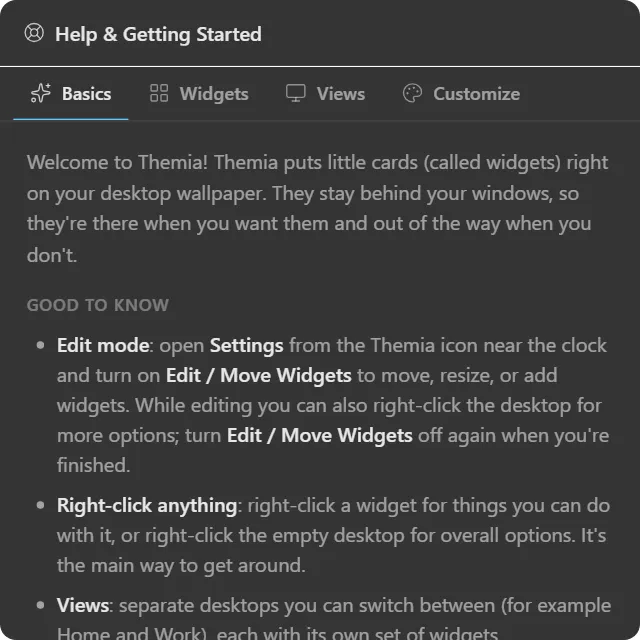
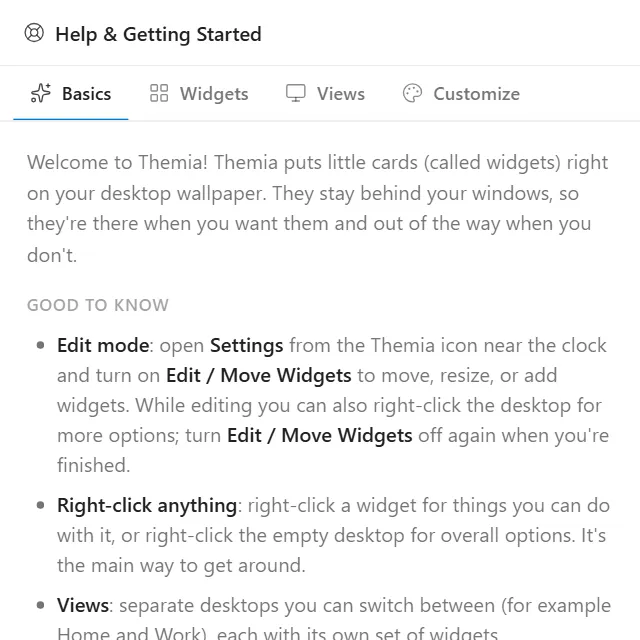
An in-app introduction to Themia, placed on the desktop by default for new installs. It explains the desktop widget model, how to add and arrange widgets, how views work, and how to customize the look, in tabs you can page through.
The content is written for people who are not going to read documentation. It explains everything through menus, buttons and clicks, and deliberately teaches no keyboard shortcuts: nothing tells you to press Ctrl-anything.
A footer tip reminds you that the widget can be removed from its own right-click menu, which is the one thing a first-time user most needs to know about it.
It always shows its header; there is no hide toggle.
Where the data comes from
The text ships with the app. No network request.
Limits
- No settings: there is nothing to configure.
- It is an orientation aid, not a reference. This documentation is the reference.
- Once you know your way around, remove it; that’s what it’s designed for.