Now playing
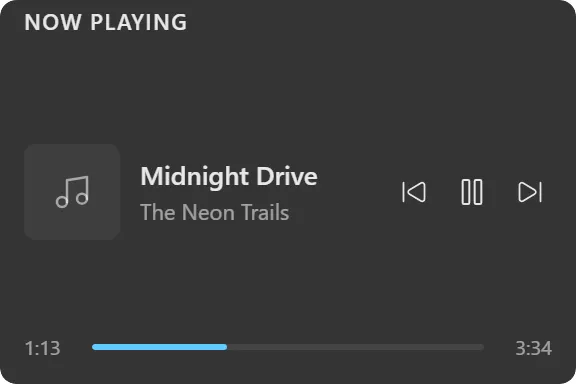
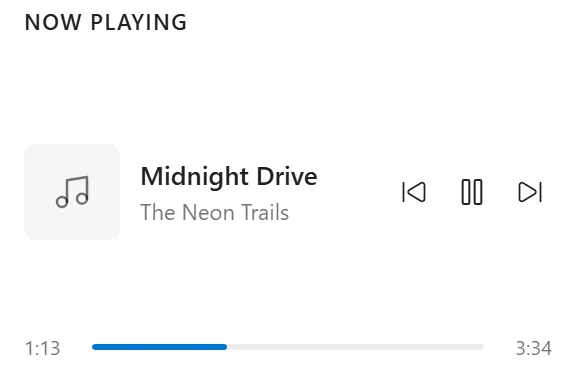
What's playing, with transport controls and a seekable progress bar.
What it does
Shows the currently playing track (title, artist and album) with album art, previous / play-pause / next controls, and a seekable progress bar with elapsed and total times.
The transport controls sit in the same row as the track information rather than in a band below it, and they never shrink: a long title ellipsizes instead of squeezing the buttons. Below a narrow width the buttons tighten up and the album art drops away.
With nothing playing the widget shows a “No media playing” placeholder, or can hide itself entirely if you prefer.
Where the data comes from
Windows’ own media session. Any player that reports through it works: Spotify, YouTube Music, Apple Music, browsers playing media, most desktop players.
Nothing is transmitted; the widget reads what the operating system already knows and sends control commands back to it.
Limits
- It controls whatever Windows considers the active media session. With several players running at once it follows the system’s choice, not a per-player selection.
- No playlist, queue or library browsing; this is a transport, not a music client.
- Album art and seek support depend on the player reporting them.
- The optional audio spectrum visualizer needs the player to expose an audio stream Windows can tap.