Screen time
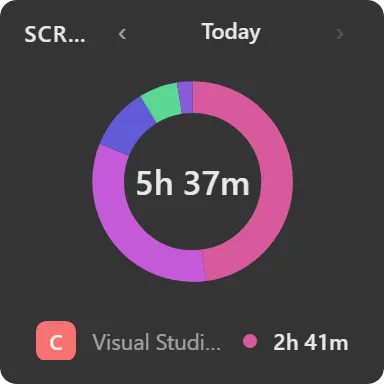
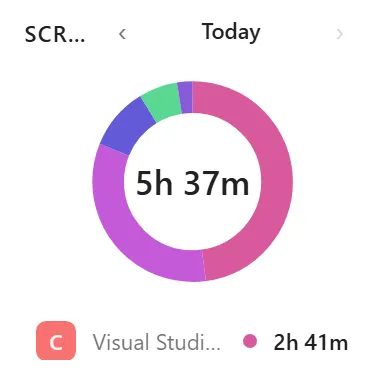
How long you were at the machine, and which apps took the time.
What it does
Tracks how long you spend at your PC and which applications take that time.
The header carries day navigation (previous, next, and a dot to jump back to today), so you can look back at earlier days rather than only the current one. On a narrow widget the today dot drops away; on a very short one the header hides entirely.
You choose which metrics appear, how many apps to list, the period to summarise, and the display style.
Where the data comes from
Measured locally by Themia by observing which window is in the foreground. The data stays on your machine: it is not uploaded, synced or shared, and there is no account behind it.
Limits
- Windows foreground activity only. It does not know about phone use, browser tabs within a browser, or time away from the machine doing something else.
- History begins when you add the widget; there is no retrospective data for days before that.
- Per-app totals are attributed to the application, not to documents or projects within it.