Apps
Your installed applications, grouped and searchable, on the desktop.
What it does
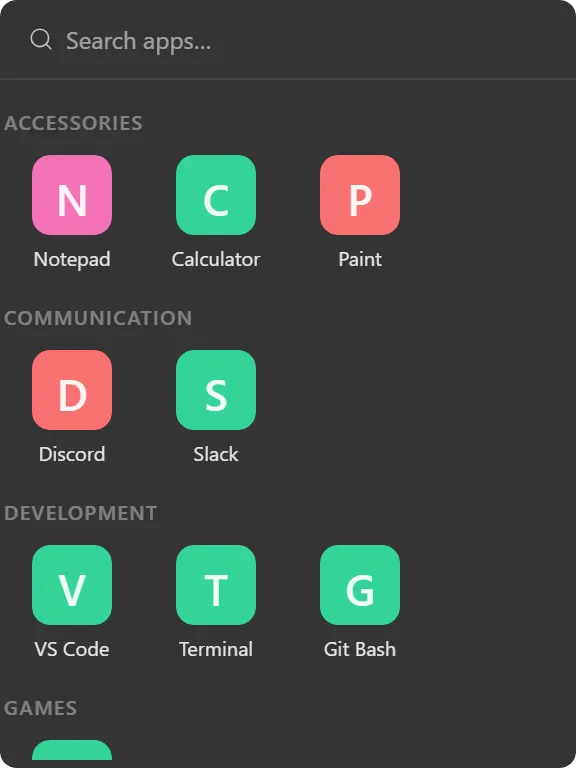
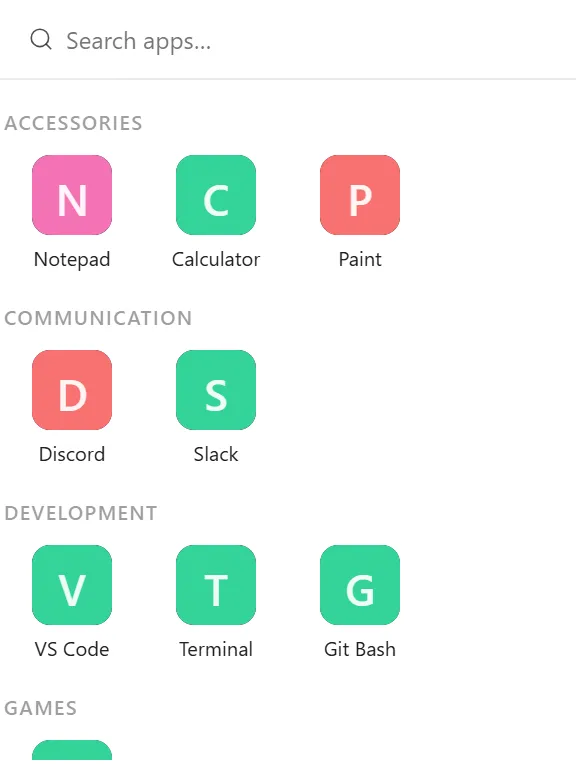
Lists the applications installed on your PC, grouped by category, with a search box that filters on name or category as you type.
Three layouts: grid of large tiles inside category sections, list of icon-and-name rows, and compact flat rows with no grouping at all.
Icons are the real Windows shell icons, loaded in the background a few at a time so a machine with hundreds of applications doesn’t stall while it populates. Until an app’s icon arrives its tile shows coloured initials, with the colour derived from the name so it stays stable rather than flickering between renders.
You can hide whole categories or individual apps, which is what turns a dump of everything installed into a usable launcher.
Where the data comes from
Your Start Menu, read locally. Nothing is transmitted.
Limits
- Start Menu entries only. Programs that install without a Start Menu shortcut do not appear.
- Categories come from how the entries are organised on your machine; a lone “Other” bucket hides its header rather than labelling everything as miscellaneous.
- For a hand-picked set of launch targets (including files, folders and URLs), use the Shortcut widget instead.