Shortcut
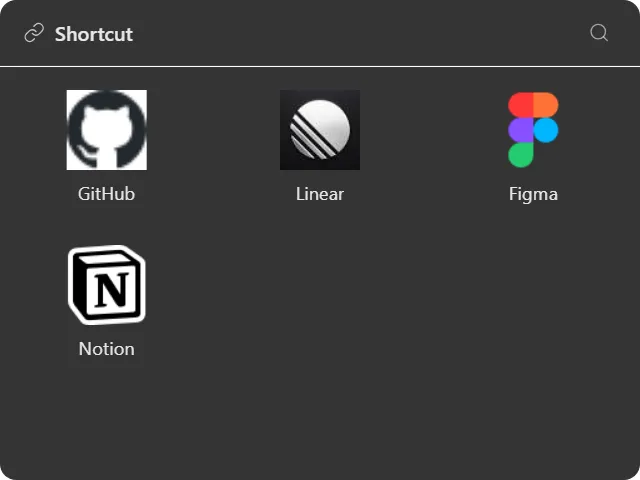
A launcher tile for apps, files, folders, URLs and multi-window layouts.
What it does
Holds a collection of things to open: a website, a local file or folder, a Windows shell location like the Recycle Bin, or an app layout.
Drop files or links onto the widget to add them, or add them from the config panel. Items open on double-click, or single-click if you prefer.
Three layouts: grid of tiles, list of rows, or details with a path column. Tile and row density is adjustable.
Icons resolve properly rather than being generic: websites use their real favicon, resolved per subdomain so keep.google.com shows Keep’s icon rather than Google’s; files and folders use the actual Windows shell icon; and shell locations use the namespace icon Explorer shows, including the Recycle Bin switching between its full and empty states on its own.
Item names default to something sensible: the URL’s hostname without www., or the filename without its extension. You can override any of them with your own label.
App layouts
A shortcut item can be an app layout: a tree of panes, each assigned an app, URL or path, that snaps onto the display you clicked. One click opens your whole working arrangement rather than one program.
Where the data comes from
Local. Shortcuts are paths and URLs stored in the widget’s settings; opening one hands it to Windows.
The one external request is favicons, fetched from Google’s favicon service for URL items. If that fails the item falls back to a globe icon.
Limits
- It launches things; it does not monitor them. There is no running/not-running indicator.
- Favicons need a network connection on first load.
- For browsing a folder’s contents rather than opening the folder itself, use the Folder widget.