Battery
Charge level, charging state and time remaining.
What it does
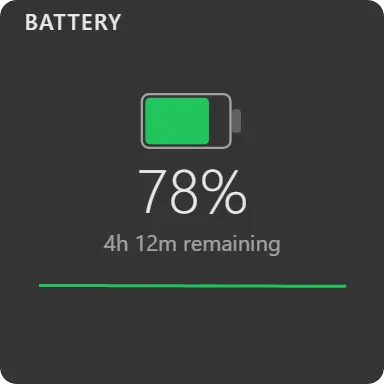
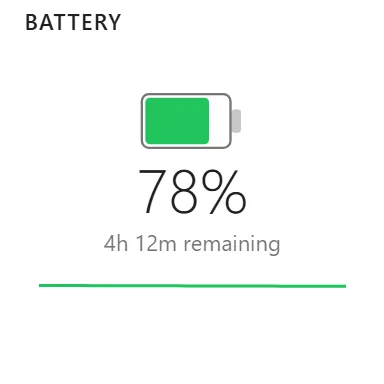
Draws a battery whose fill tracks the current charge, with a lightning bolt overlaid while charging, the percentage as a number, and a status line beneath it reading one of:
- Charging
- Fully charged: on AC at 99% or above
- 2h 15m remaining: when the system offers a time estimate
- Plugged in: on AC with no estimate available
- On battery: discharging with no estimate available
Colour follows charge rather than a fixed accent: accent while charging, green above 50%, amber from 21 to 50, red at 20 and below.
An optional sparkline plots charge over the last 40 samples. Default refresh is 10 seconds.
Where the data comes from
The Windows power subsystem, read locally.
Limits
- Desktops without a battery get a “No battery detected” message rather than an empty frame.
- Time remaining is whatever Windows estimates; it is often unavailable in the first minutes after a state change.
- No battery health, cycle count or per-device battery levels. For headset and mouse batteries see the Bluetooth widget.