Group
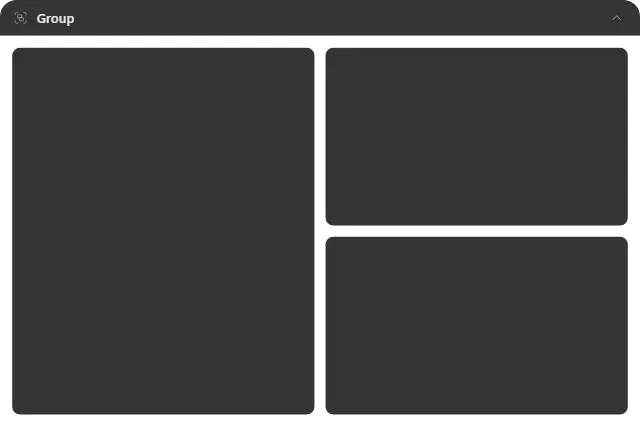
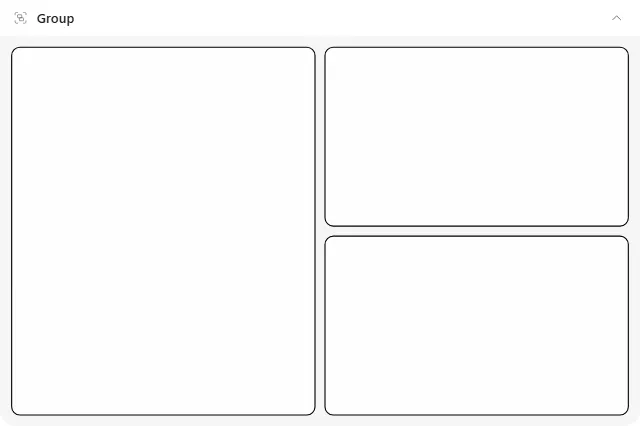
A collapsible area that holds widgets where you put them.
What it does
An area on the desktop. Widgets dropped inside belong to it but keep their own positions on the grid, unlike a Stack or Tabs, which take over how their children are arranged.
That difference is the whole point. A group is for saying “these six widgets are the work set”, while leaving the arrangement you carefully built intact. Move the group and its members move with it. Collapse it and they all disappear behind its header, freeing the desktop in one click.
A widget joins by being dropped in and leaves by being dragged out. Deleting the group returns its members to the desktop.
The header can sit on any side, and the area’s title, icon, border and background are configurable, so a group can be an obvious labelled panel or an almost invisible boundary.
Where the data comes from
Nothing. Members fetch their own data as normal.
Limits
- Containers do not nest.
- A group does not re-layout its members, so it will not tidy up an arrangement for you; it preserves whatever you made.
- Collapsing hides members; it does not unload them.