Tabs
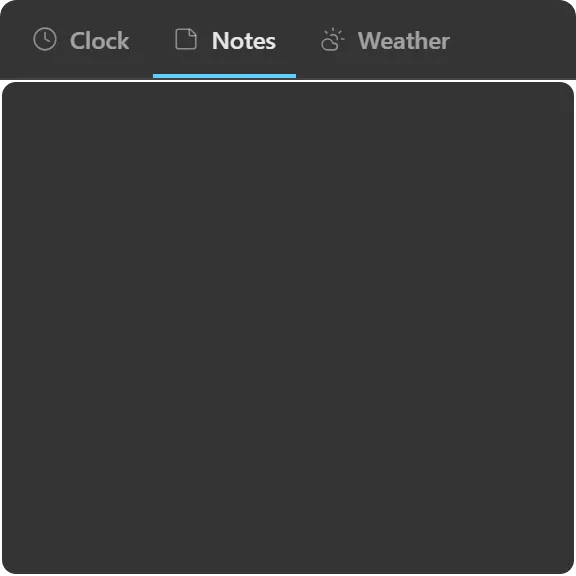
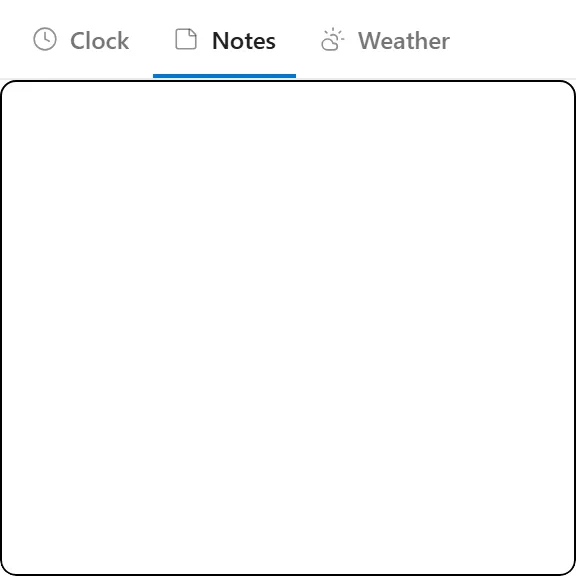
A container that shows one of several widgets at a time, via a tab bar.
What it does
A container holding several widgets and showing exactly one at a time, switched from a tab bar.
Where a Stack collapses its children to header rows so you can see them all at once, tabs commits the full space to one child. That suits widgets that need room (a folder view, a calendar month, an inbox), where a rolled-up header row would tell you nothing anyway.
Drag widgets in to add them, out to remove them. Deleting the container returns its children to the desktop rather than deleting them.
The container paints no chrome of its own beyond the tab bar.
Where the data comes from
Nothing. Each child fetches its own data.