OneDrive
Recent OneDrive files, or a browsable view of your cloud root.
What it does
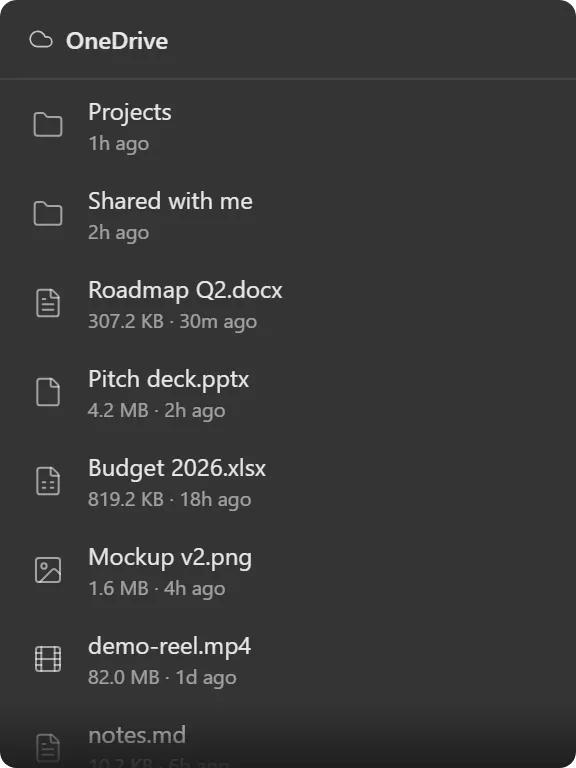
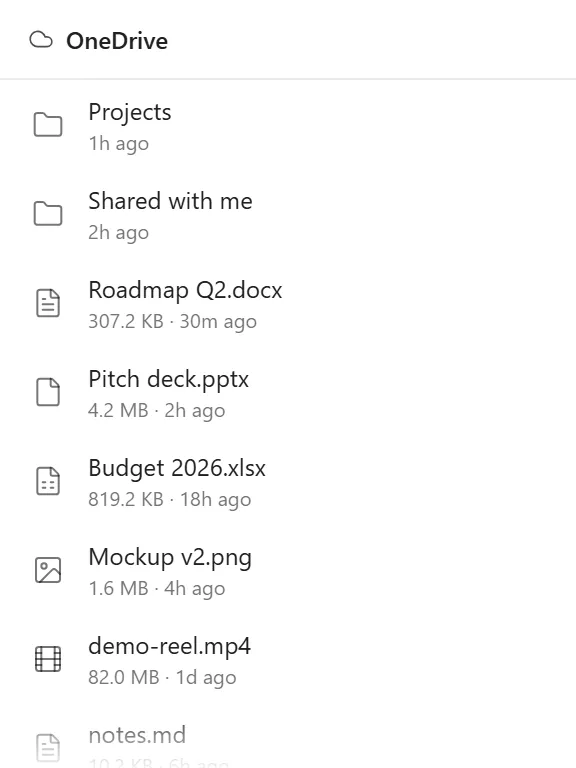
Shows files from one Microsoft account’s OneDrive, in either of two modes: recent, a list of what you’ve touched lately, or root, a browsable view starting at the top of your drive that you can navigate into with a back breadcrumb.
Each row carries a type-specific icon (folder, image, video, spreadsheet, document or generic file), worked out from the file’s mime type or extension. Files show size and relative time (“3h ago”, “Mon 12”); folders show just the time.
Load size runs from 5 to 50 files. The right-click menu has a Refresh entry for an immediate reload.
Where the data comes from
Microsoft Graph, against the account you connect in the app’s settings. Files are listed, not downloaded; the widget shows metadata and opens items in your browser or the OneDrive client.
Limits
- One account per widget, unlike Email and Calendar which merge several.
- SharePoint document libraries and shared drives are not covered; this is personal OneDrive.
- It lists and opens files. Uploading, renaming and deleting happen in OneDrive itself. For a local folder with full file operations, use the Folder widget.