Power
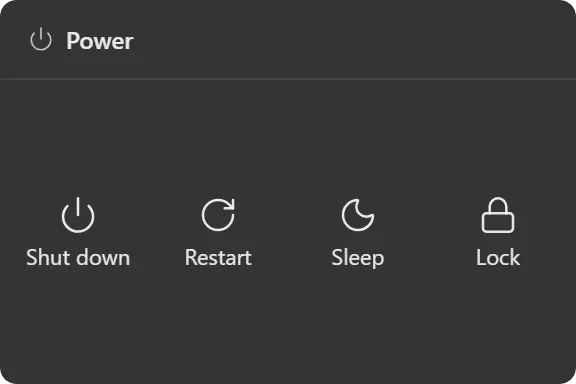
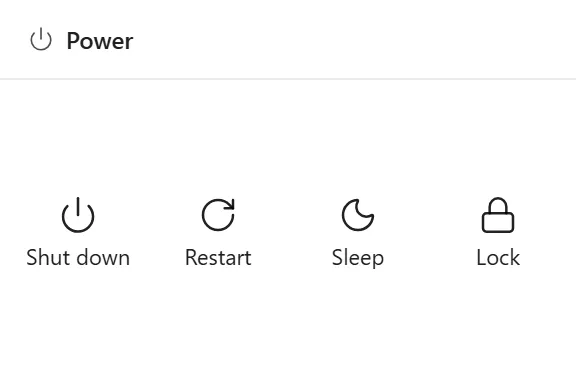
Shut down, restart, sleep, lock and other power actions as desktop tiles.
What it does
A grid of tiles for the system power actions: shut down, restart, sleep, hibernate, lock, sign out and turn off the display. You choose which of them appear, so the widget can be a single lock button or the full set.
Confirmation
The three actions that end your session (shut down, restart and sign out) arm on the first click and run on the second. While armed the tile reads Confirm in the destructive colour.
Sleep, hibernate, lock and display-off never ask. They all return you to the same desktop, so a mis-click costs a keypress rather than your unsaved work.
An armed tile disarms by itself after five seconds, when the pointer leaves the widget, or when you arm a different tile; only one can be armed at a time.
You can switch confirmation off entirely, in which case everything runs on one click.
Where the data comes from
Nothing is read; these are actions. Each one calls the corresponding Win32 API directly rather than shelling out to shutdown.exe.
Shut down, restart and sign out pass the “force if hung” flag, which overrides a frozen application but still lets a responsive one with unsaved work block the request, the same behaviour as the Start menu, deliberately.
Limits
- Windows only.
- Hibernate does nothing on machines where it is disabled in Windows power settings.
- There is no scheduled or delayed shutdown, and no timer.
- The action list is a closed set; it cannot be extended with custom commands. For launching your own programs, use the Shortcut widget.